
Your windows in view with DeskPins
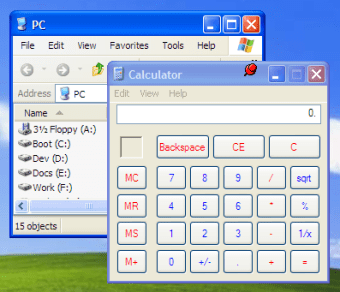
DeskPins is a free, open-source tool designed to keep any application window on top of all others. This functionality is similar to the Always on Top setting found in some programs, but with this, you can add this feature to any program you choose. It has a negligible impact on system resources, making it a reliable tool for enhancing productivity without slowing down your computer. It is worth noting that the program is considered outdated as its last update was in 2015 with version 1.32.
Top Recommended Alternative

Versatile and powerful features
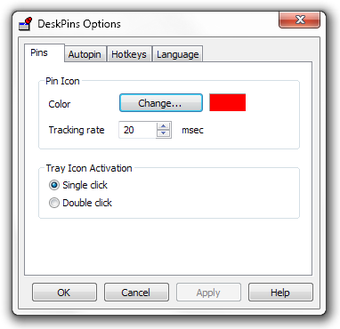
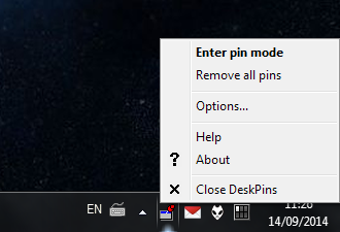
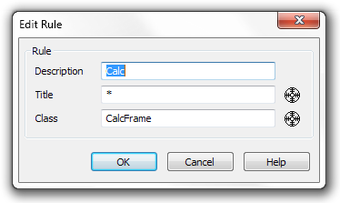
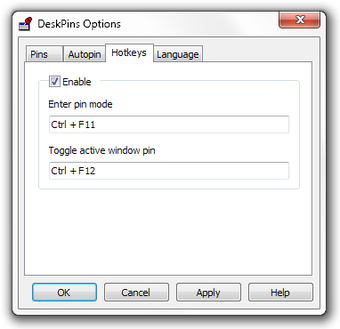
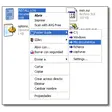
The program offers an unlimited number of pins, and you can simply grab a pin from the DeskPins icon in the system notification area and click on any window to pin it. It also includes powerful wildcard-based automatic pin support and intelligent handling for various application types. Global hotkeys are available to quickly control the application, and the pins can be of any color.
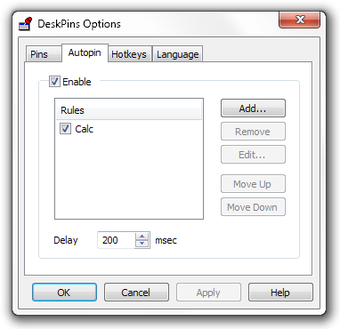
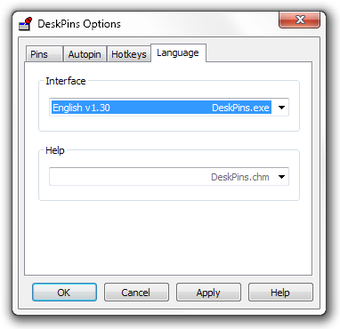
The software has a long history of development, with updates that have added key features. For example, the autopin feature was added in 2004, and a tab-based options dialog was introduced to help manage settings. It also has a built-in Greek interface and support for separate language packs. The developers have addressed several bugs over the years, including fixes for multi-monitor setups and a mouse bug. Additionally, UPX compression was removed in a 2014 update to avoid being flagged by anti-malware software.
A simple and effective solution
The DeskPins application provides a powerful way to manage your windows for better workflow. Its long history of updates and bug fixes demonstrates its reliability and continued usefulness as a simple but effective tool. Keep in mind that it is no longer being updated.